Your home, your way with the Miele App*
Simplify daily life with intuitive control at your fingertips. Use the Miele App to preheat your oven on the way home or check when the dishwasher has finished. Get helpful notifications, energy insights, and personalised product recommendations. You can even reorder compatible detergents and accessories in just a few taps - all in one place, designed around you.

The Miele App* gives you effortless control of your appliances, wherever you are. Start your washing machine from the office or preheat your oven before you get home. Save time, stay in command, and enjoy the feeling of everything running smoothly, even when you're not there.

Reduce your energy consumption with energy-saving wash programmes for your dishwasher and washing machine, and even discover sustainable cooking with our recipe suggestions. Monitor your energy use through the Miele App* or via voice control* - making it easy to protect the environment and live more sustainably every day.
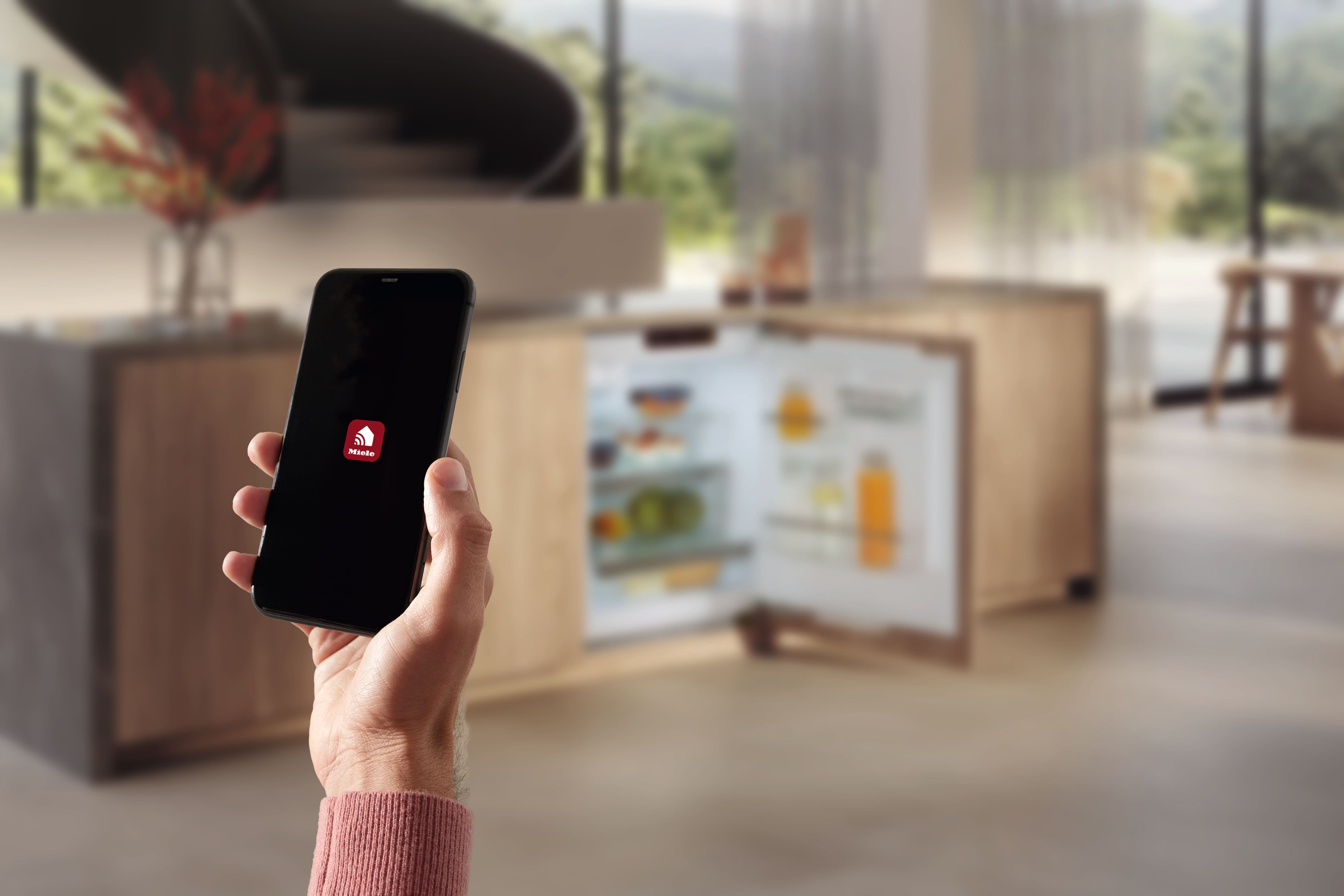
Enjoy automatic programmes, easy reordering of detergents and accessories, and the convenience of voice control*: all designed to simplify daily life while supporting a more sustainable home. With remote software updates available through the Miele App*, home management becomes seamless, efficient, and future-ready.
Just say the word Voice Assistance**
With voice assistance via Amazon Alexa or Google Assistant, you can start programmes, adjust settings, or check statuses using just your voice: adding a new level of ease to your daily routine. With some models, you can even open the oven or fridge door by simply asking. Visual feedback on compatible displays gives you extra reassurance. It’s seamless, intuitive, and smart where it matters.
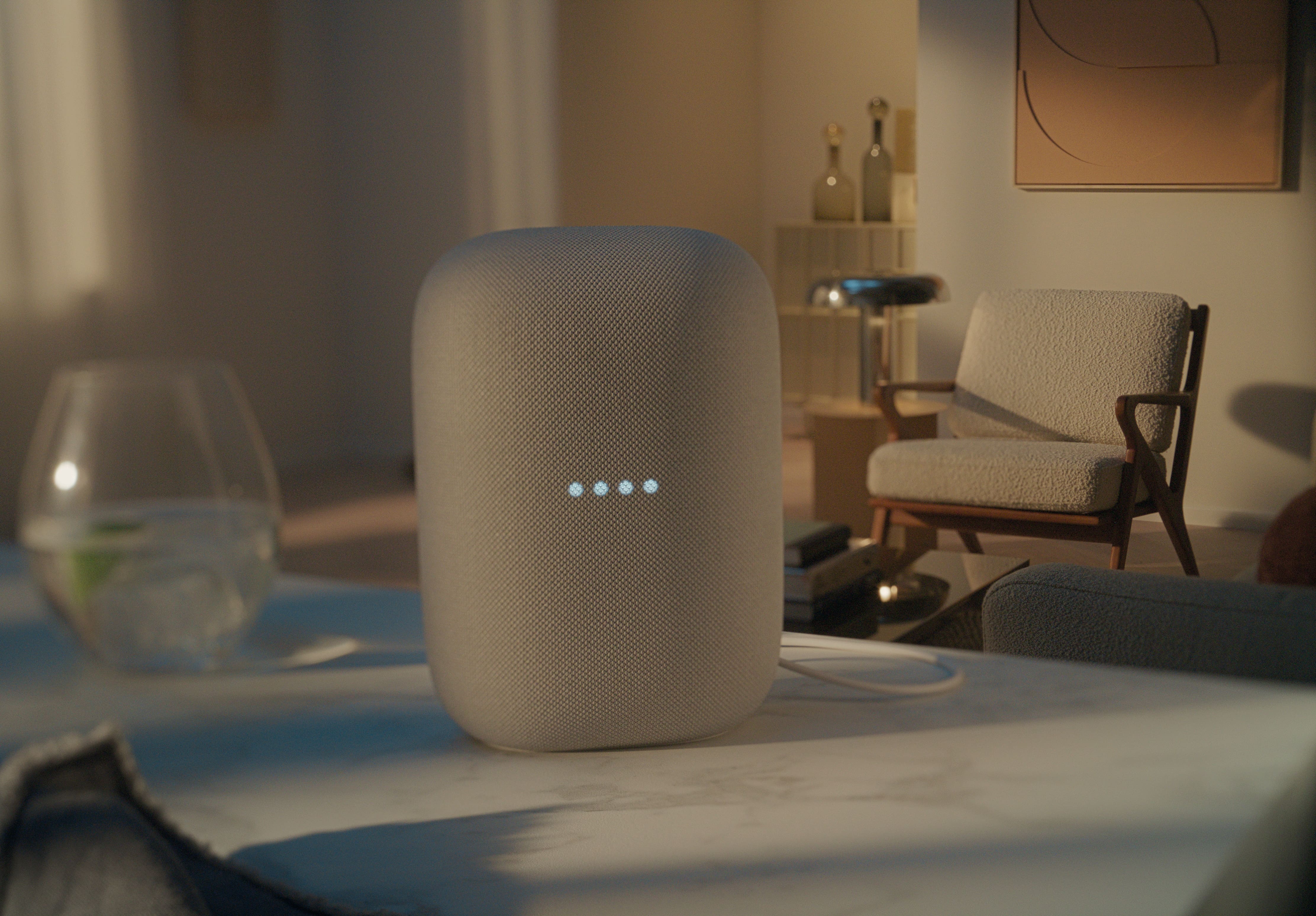
At Miele, we make smart technology feel like second nature. Just ask your voice assistant for real-time energy updates or check the Miele App for a clear overview. It’s a simple way to stay aware, use energy efficiently, and make more conscious choices - without interrupting your day.
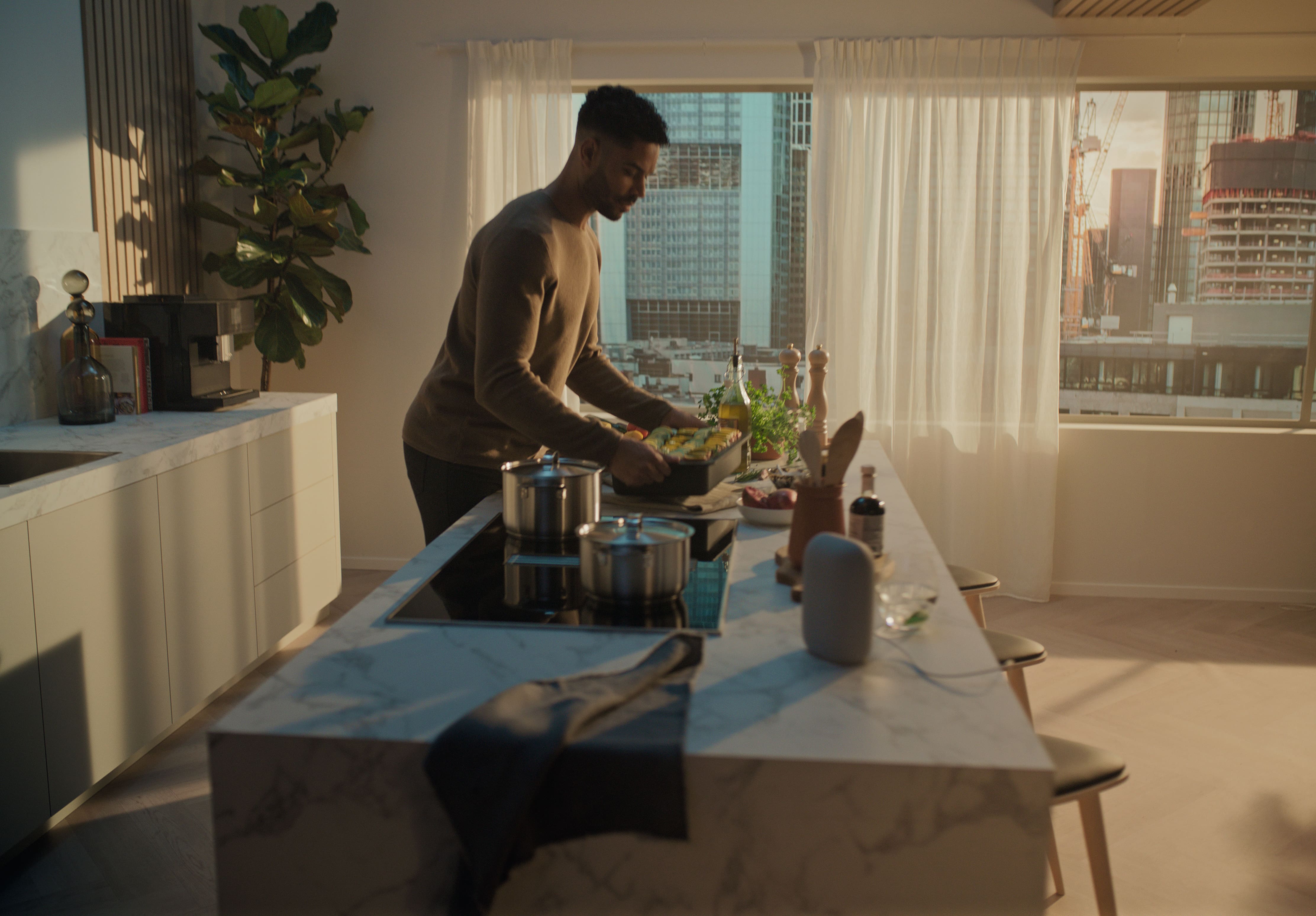
Cooking becomes even easier with voice control that supports you when your hands are full. With selected Miele ovens, you can open the door using a voice command or monitor your dish’s progress via an integrated camera: viewable on your Amazon Echo Show or Google Nest Hub. It’s smart, seamless support at every step in the kitchen, even when you’re in another room or away from home.
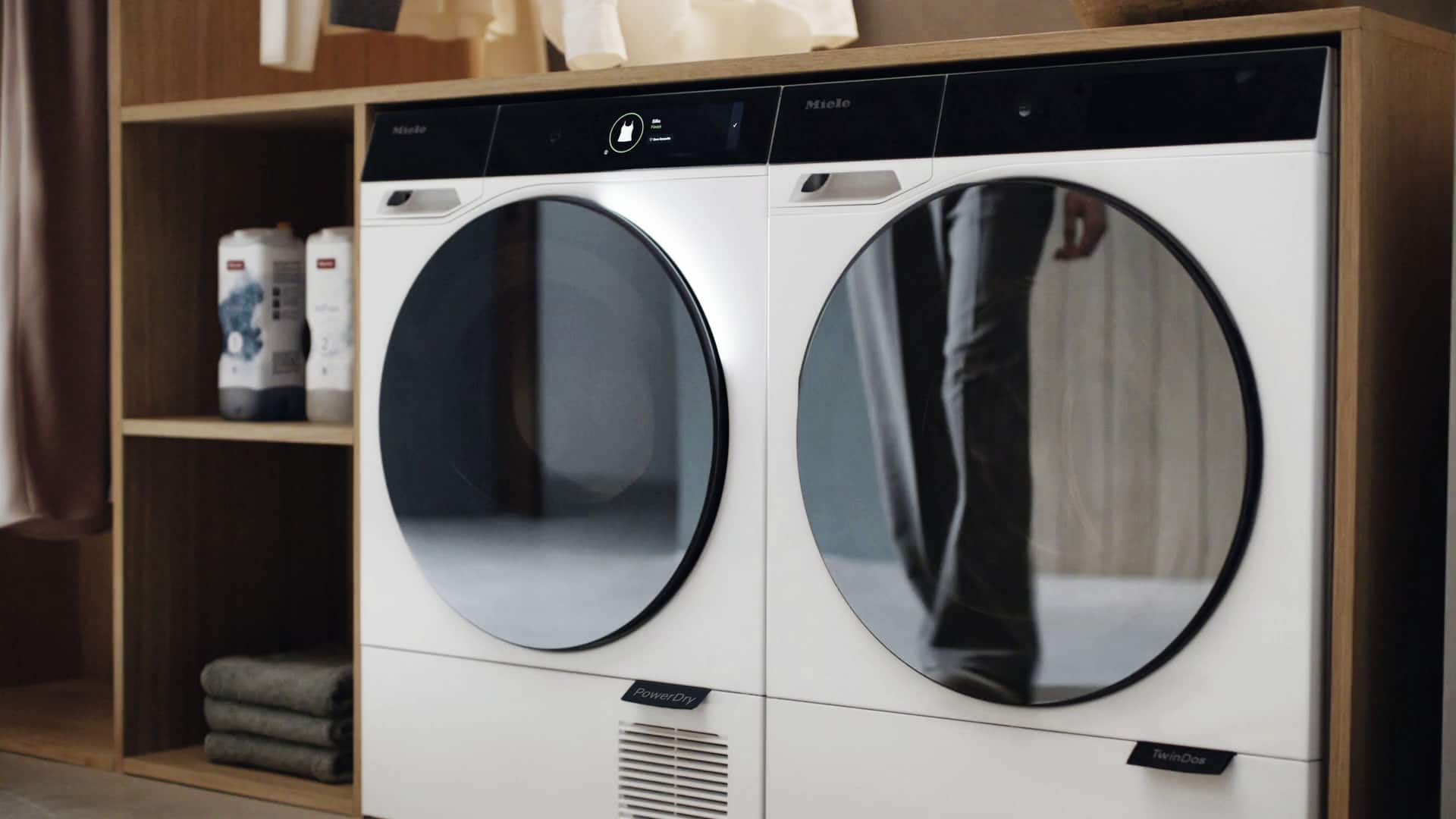
Let your voice assistant lend a hand in the laundry room. With voice assistance, you can ask for expert tips - like how to tackle stubborn stains - or get gentle reminders when your cycle ends, so everything stays fresh. It's smart support that makes laundry feel a little less like a chore.
Smart home integration
Connect your Miele appliances to your existing smart home system with ease. Thanks to the Miele Cloud interface, integration is smooth and straightforward, giving you more ways to automate daily tasks and personalise routines across your home.

Imagine starting your day with the lights gently rising, your favourite radio station playing, and your coffee machine already brewing your go-to cappuccino. With Miele and smart home integration, your morning routine becomes the best moment of the day.

Use energy when it’s most cost-effective or sustainably sourced. With support from your photovoltaic system or a time-based electricity tariff, your washing machine, tumble dryer, or dishwasher can start at just the right time — automatically, via a central energy manager that helps reduce both costs and carbon impact.

Want to build custom home automation experiences? Miele makes integration easy. Visit our developer page to access all the tools, documentation, and guidance you need to connect Miele appliances to your own applications.
Connectable appliances
Experience a home that works in harmony with your lifestyle. Miele’s connectable appliances are designed to simplify daily life, working together seamlessly to support the way you live. From tailored programme suggestions to remote control and smart reordering, everything is built to offer greater ease and comfort. Explore the full range and discover what’s possible with connected living.


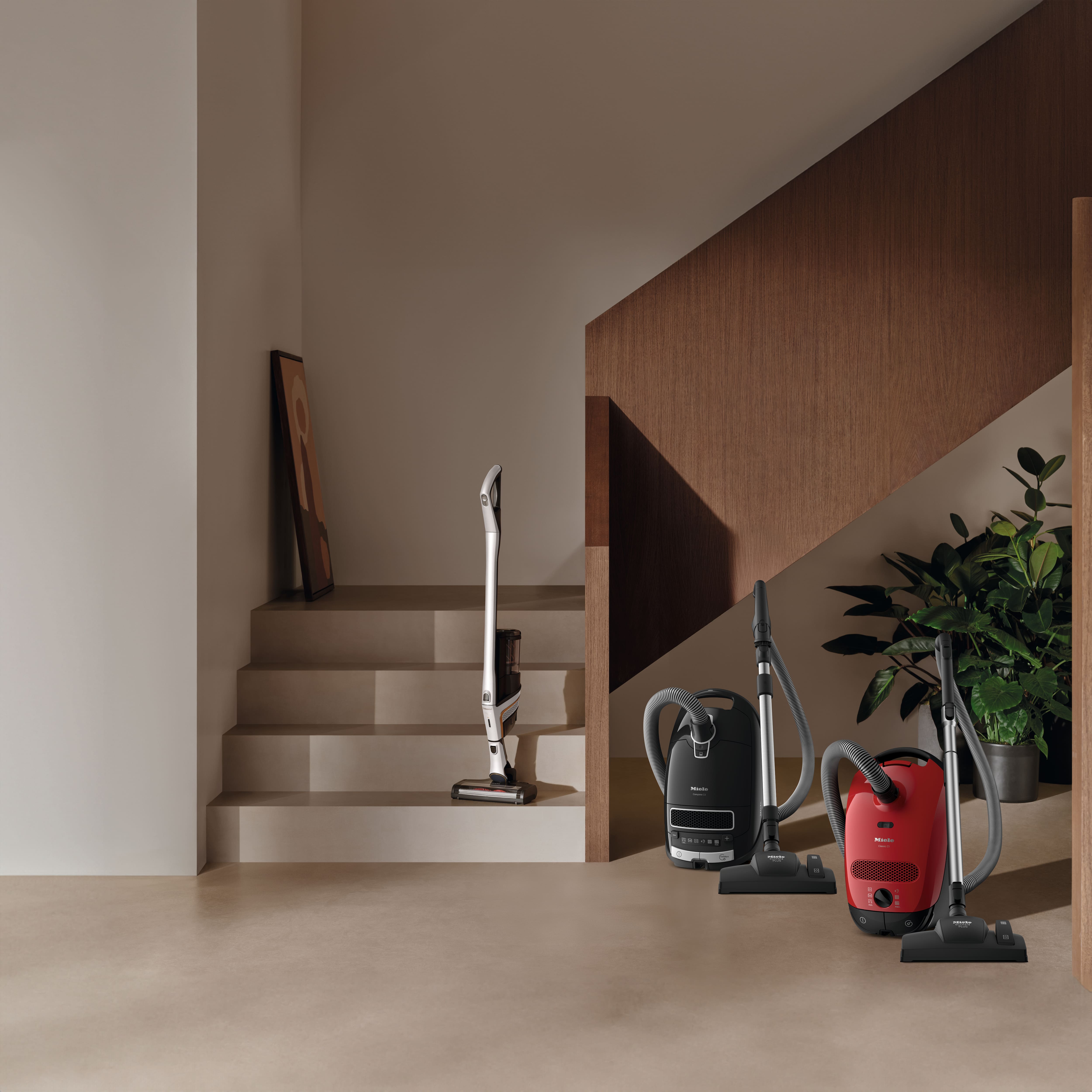
Once a Miele, Always a Miele.
FAQs
Yes, protecting your data is a top priority for us. That’s why we use Transport Layer Security (TLS) encryption to transmit your data safely over the internet, and we regularly update our encryption protocols to meet the latest security standards.
To use the Miele App and control your connected appliances, a personal user account is required. This account is protected by your own password, helping to prevent unauthorised access to your appliances.
The communication module installed in your networked Miele appliance also receives regular software updates to ensure ongoing compliance with current security practices. TLS encryption is used for this as well.
What data is stored?
We only store the data necessary for the Miele App to function properly. This includes your user account details, appliance information (such as serial number and model), and data related to the app itself — for example, to enable push notifications.
If you would like further information, please see the Miele app’s data protection declaration.
You can find more details in the Miele App’s privacy policy, located under Profile > General settings.
We’re working to make the Miele App more accessible, including through voice control features designed to support users with reduced mobility or visual impairments.
Screen reader support
The Miele App currently does not support screen readers in version 4.0 and above, but integration is planned for future updates.
Apple devices – VoiceOver
VoiceOver is a screen reader built into Apple devices that reads out content on the screen to assist users with visual impairments. While not currently supported in the latest version of the Miele App, we’re planning to reintroduce compatibility in a future update.
Android devices – TalkBack
TalkBack is Android’s built-in screen reader for users with visual impairments. Like VoiceOver, TalkBack is not yet supported in version 4.0 and above of the Miele App, but future support is in development.
Getting started is simple — here’s how to connect your Miele appliances, check your WiFi setup, and make sure you receive important app notifications.
Can I use my Miele user account on more than one smartphone or tablet?
Yes, you can. Simply log in on each additional device using the same Miele user account.
How can I check if my Miele appliance is connected to WiFi?
For successful networking, both your Miele appliance and mobile device need to be on the same WiFi network. You can check in the following ways:
Option 1: On your Miele appliance
The menu may differ depending on your model and software version:
- Go to Settings > Miele@home > Connection status
- You’ll see the SSID (WiFi name) and IP address
- The SSID should match your home WiFi network
Option 2: Via your router
- Open your router settings in a browser
- Look for the connected devices or device list
- If your Miele appliance appears here, it’s connected to your WiFi
Option 3: Using a mobile device
- Download a network scanning app like Fing (iOS/Android)
- Use the app to scan your home network
- If your Miele appliance is listed, it’s connected
How do I make sure I receive notifications from the Miele App?
When installing the Miele App, you’ll be prompted to enable notifications. Make sure to allow them so you don’t miss important updates.
You can also manage notifications by appliance directly in the app settings.
- For Apple devices:
Go to Settings > Notifications > Miele App, then enable Allow Notifications
- For Android devices:
Go to Settings > Notifications > Miele App, then enable Permit Notifications
You can find more information about the system requirements for network-compatible Miele domestic appliances here.
Footnotes
* This is a separate digital offer from Miele & Cie. KG. The range of functions can vary depending on the model and the country. Acceptance of the Terms and Conditions and Privacy Policy for Miele digital products & services in the Miele app required. Miele reserves the right to change or discontinue the digital offer at any time.
** Voice control uses the Google LLC and Amazon Alexa services and is based on their availability. The range of functions can vary depending on the country. Google, Google Home and Google Nest Mini are trademarks of Google LLC. Google Nest Mini requires WiFi, an Internet connection, a nearby power socket, a Google account and a compatible mobile device. Minimum requirements for the operating system can be found at: g.co/home/req. Compatible with Alexa. Amazon, Alexa and all associated trademarks are trademarks of Amazon.com, Inc. or their affiliated companies.